Clip every play.
Clutch keeps the last minute of your game ready at all times. Hit one key after something crazy happens and it's saved. Record, edit, and go live too, all free.
Clutch keeps the last minute of your game ready at all times. Hit one key after something crazy happens and it's saved. Record, edit, and go live too, all free.
Clutch sits quietly in your tray while you play. Here's what it can do.
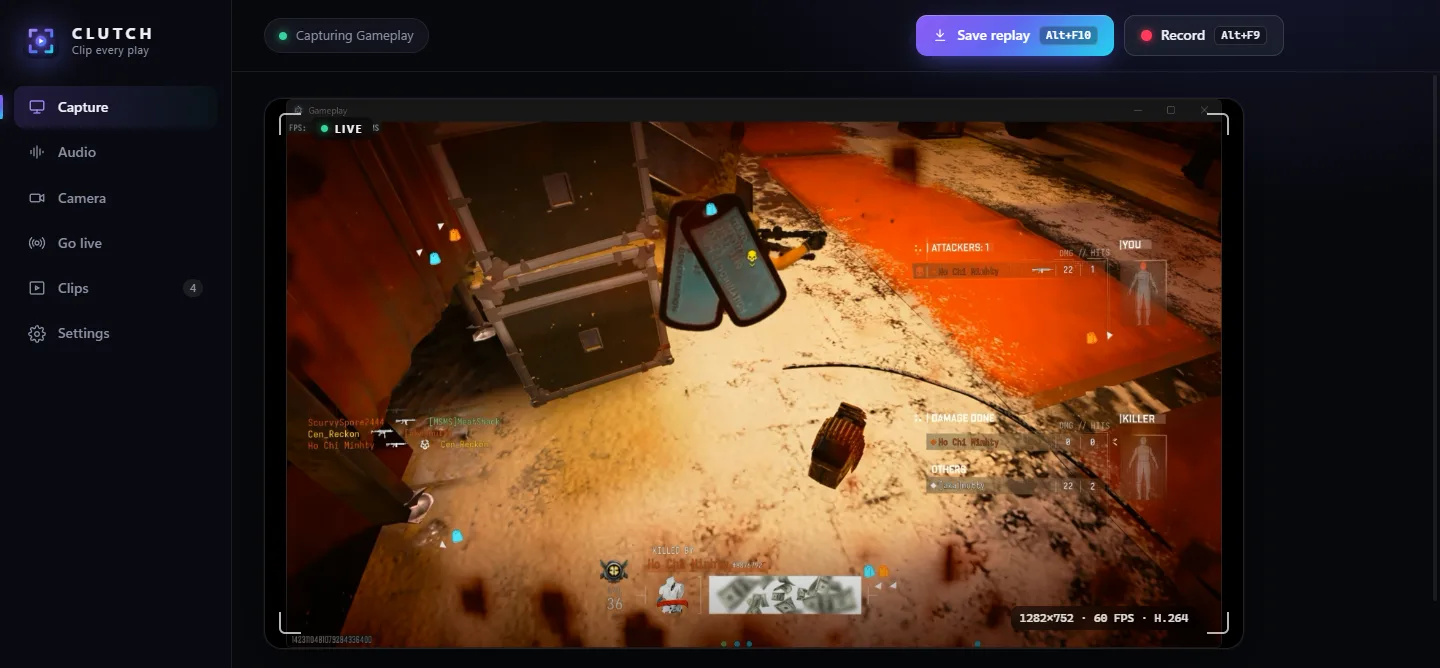
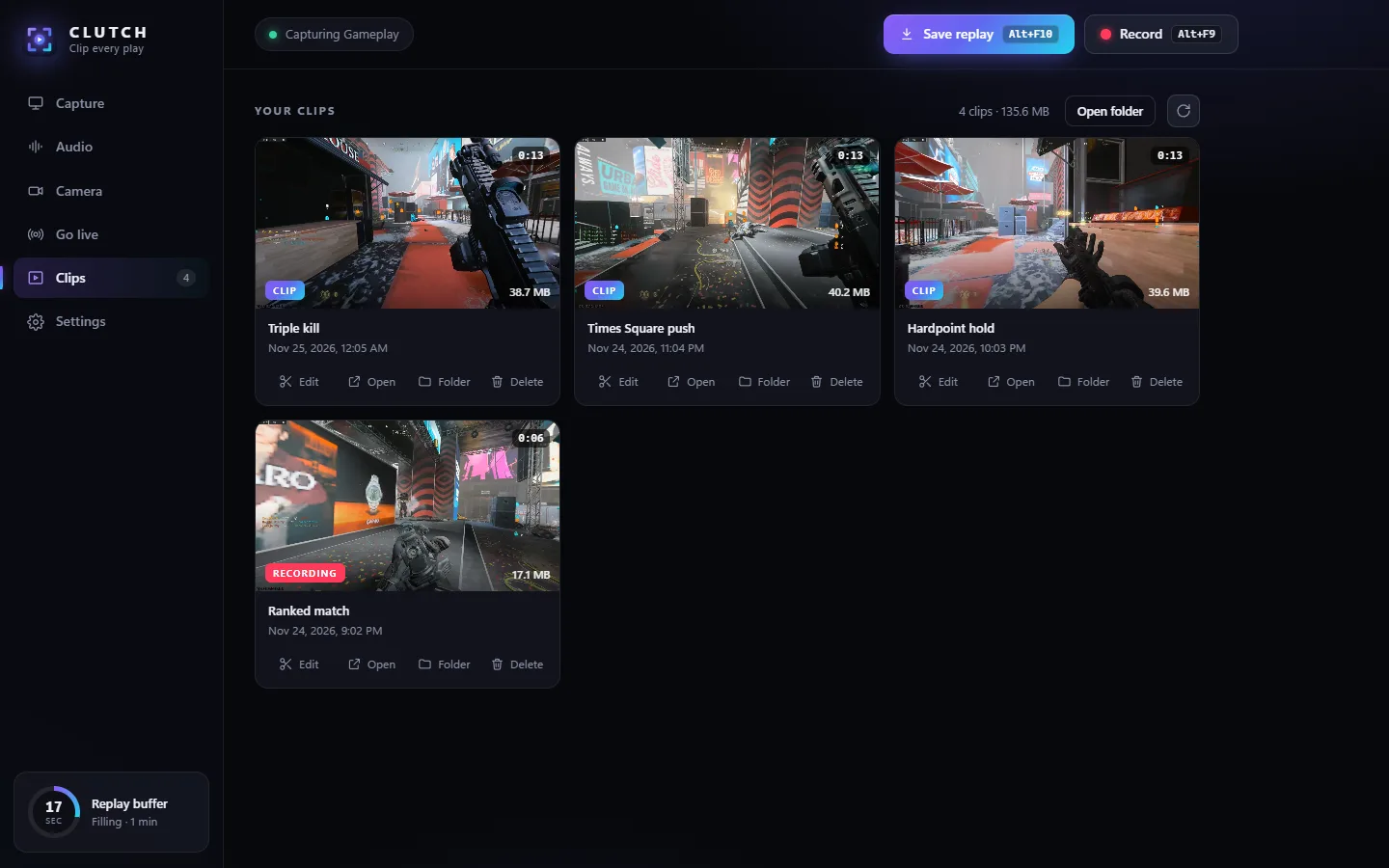
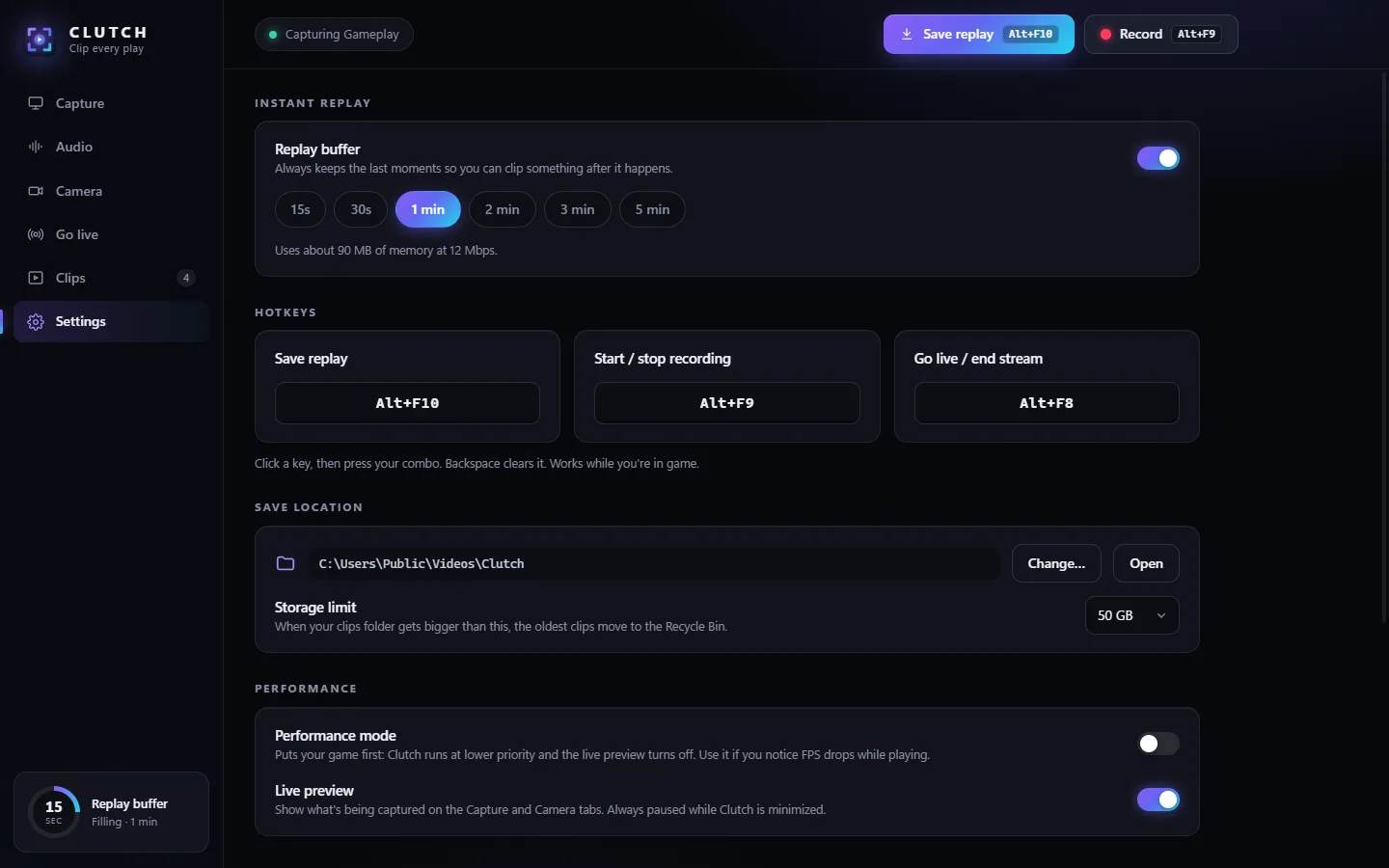
Clutch always keeps the last 15 seconds to 5 minutes of gameplay in memory. Hit the triple, then hit Alt+F10, and it's a clip.
Press Alt+F9 to start, press it again to stop. The instant replay keeps running the whole time, so you never lose a moment.
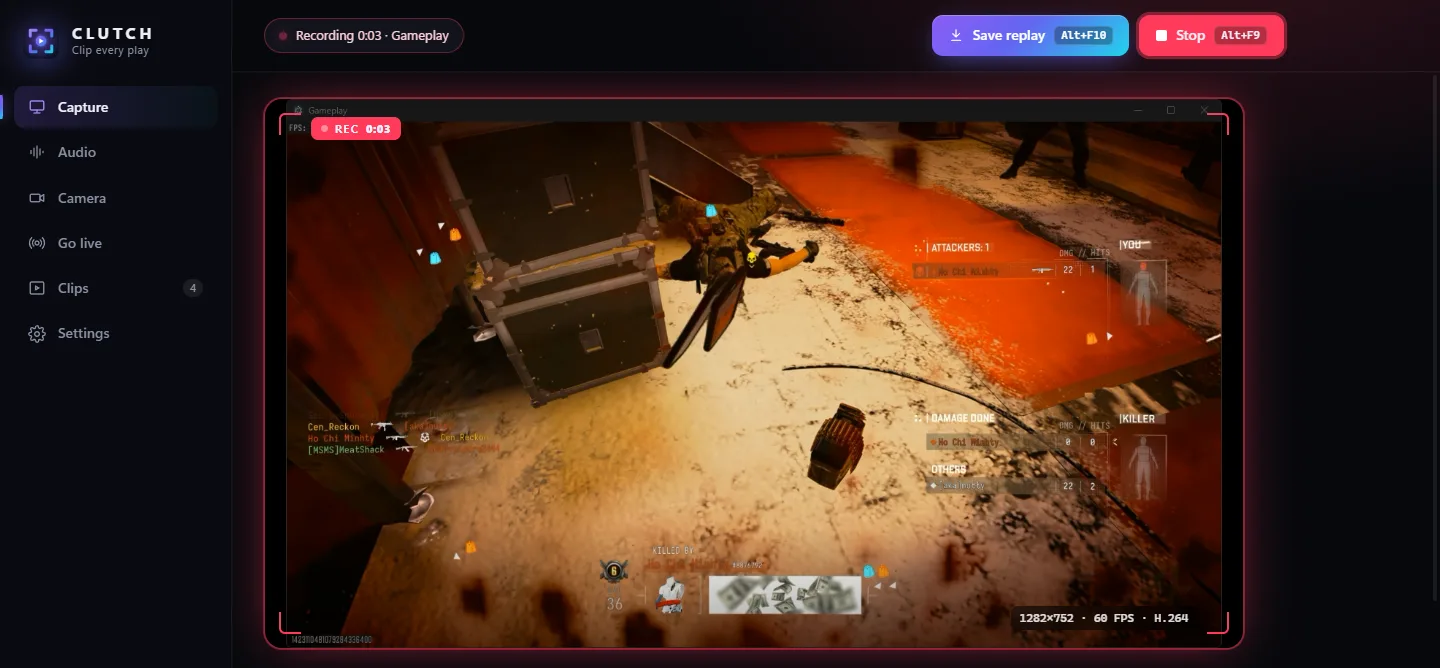
Choose exactly which apps end up in your clips and set each one's volume separately, with live level meters.
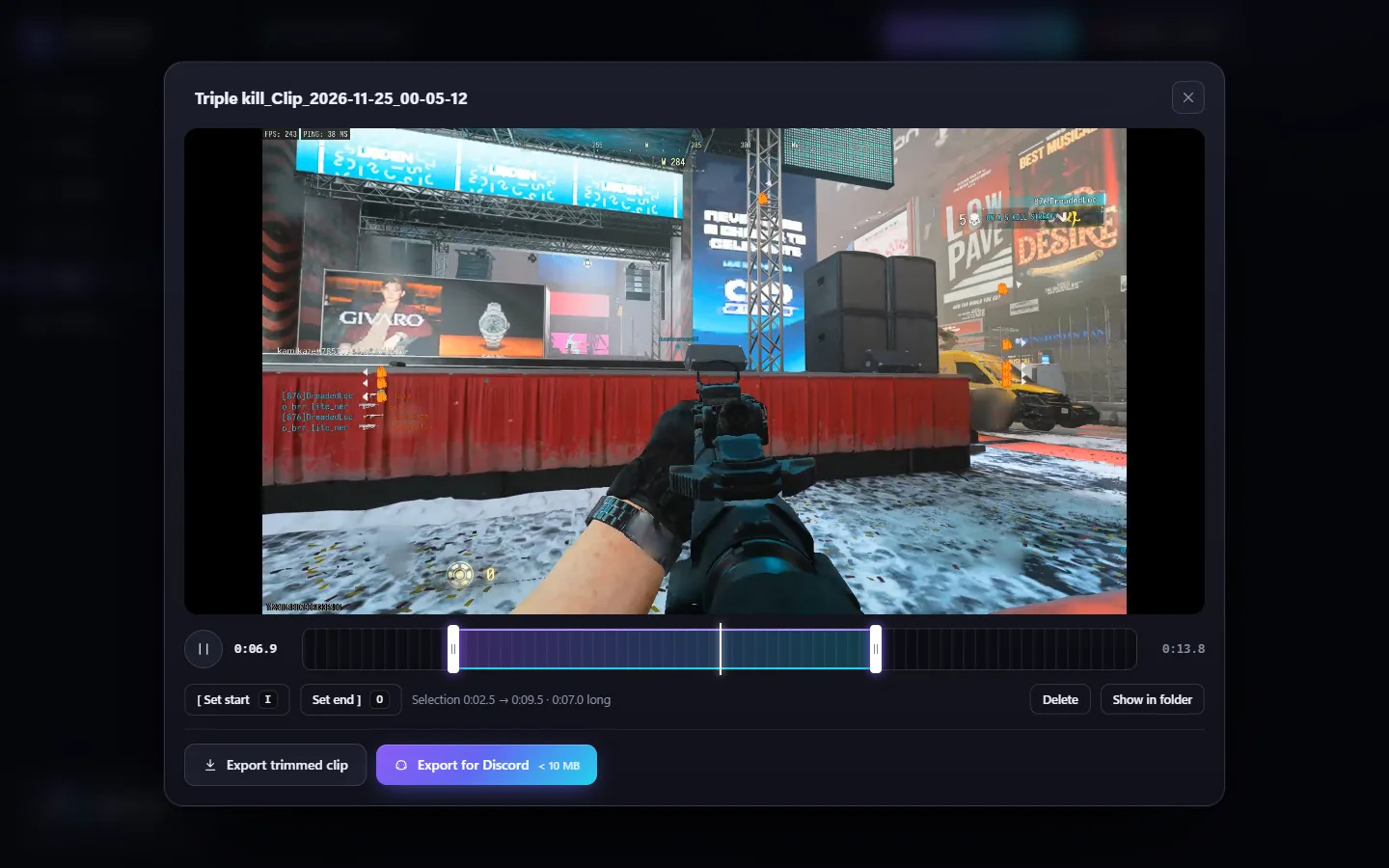
Drag the handles to cut your clip to the good part, rename it, and export. Export for Discord automatically shrinks it to fit under Discord's 10 MB upload limit.
Build OBS-style scenes, then stream to Twitch, YouTube, Kick, Facebook or any RTMP server, even several at once.
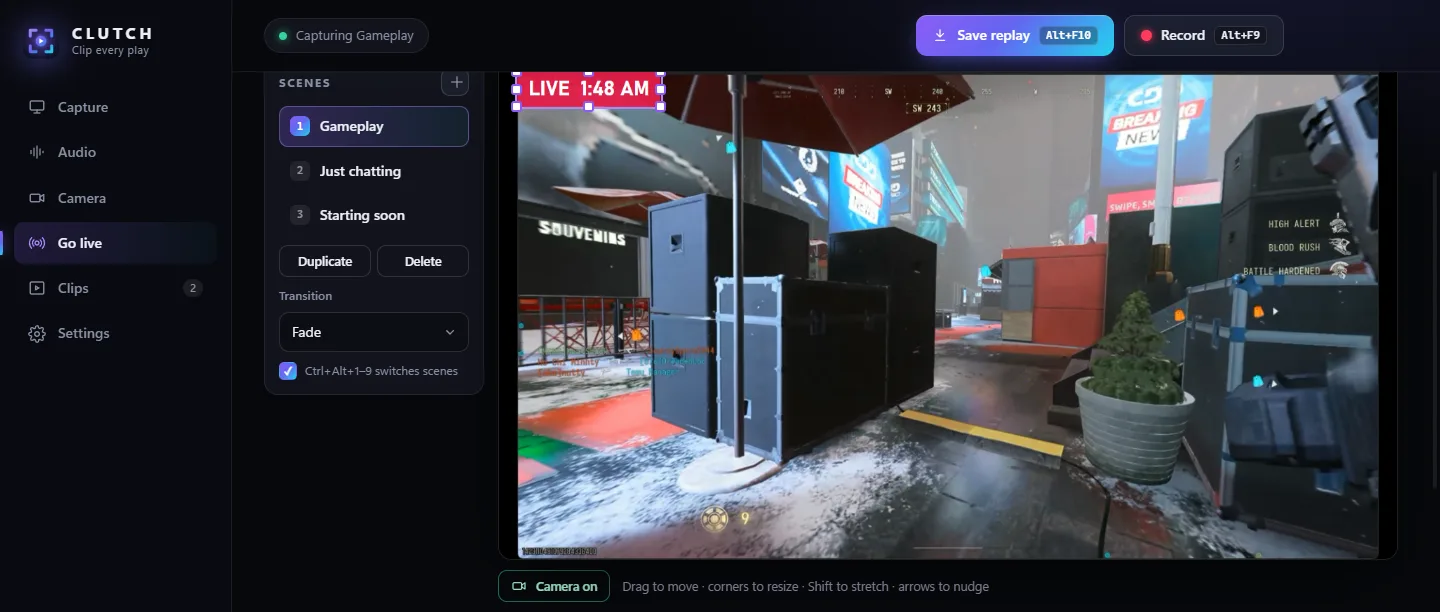
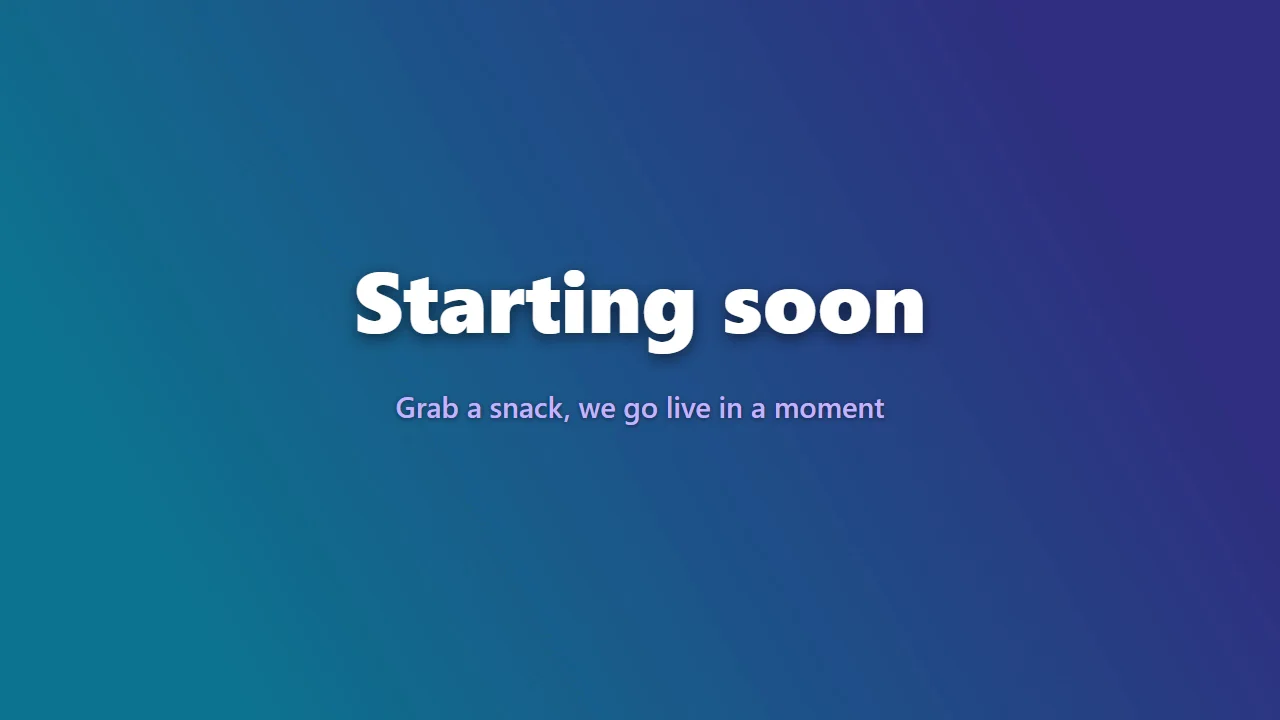
Go from gameplay with a live clock and webcam to a "Starting soon" screen instantly, right from your game.
{time} clock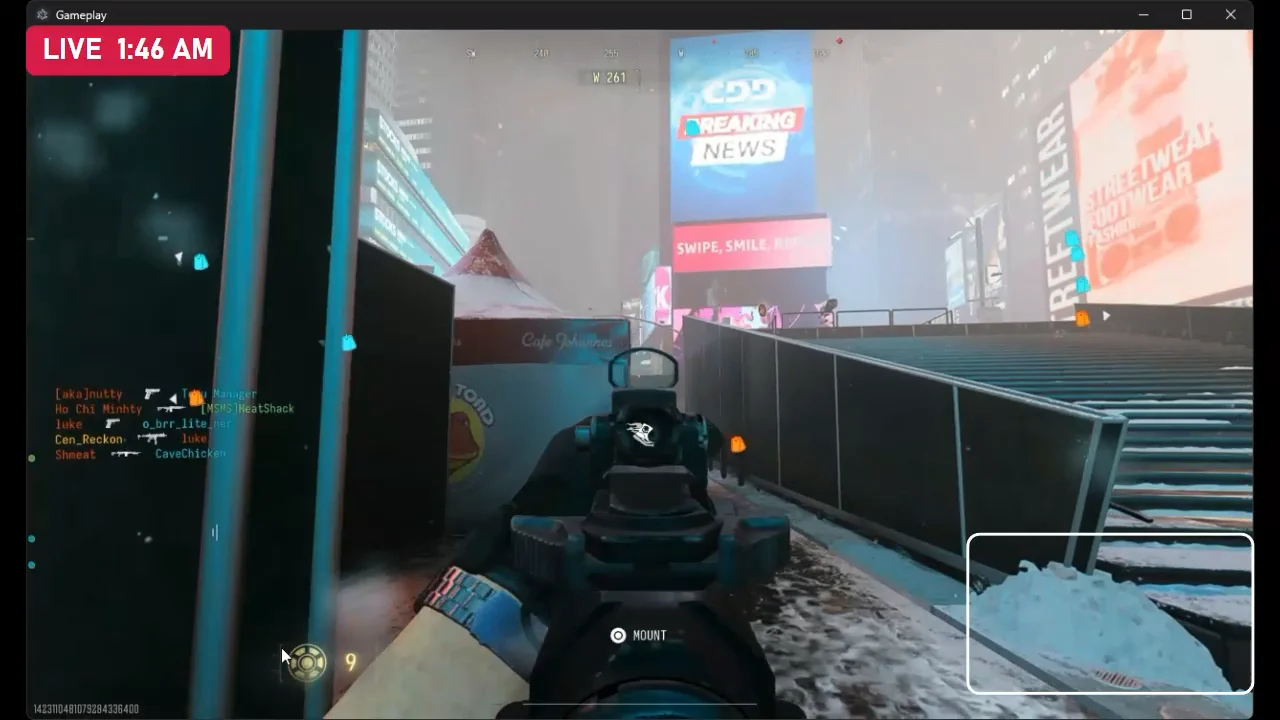
A small pop-up in the corner of your game confirms every clip, recording, and stream. It's invisible to your own clips and your viewers.
Record up to 4K at up to 144 fps with one-click quality presets, using your GPU's encoder.
Grab Clutch-Setup.exe. It's tiny (under 1 MB).
The installer downloads the rest (~140 MB), adds desktop and Start menu shortcuts, and opens Clutch.
Clutch runs in your tray. Press Alt+F10 any time to save the last minute.
| Save instant replay | Alt + F10 |
| Start / stop recording | Alt + F9 |
| Go live / end stream | Alt + F8 |
| Switch scene 1–9 | Ctrl + Alt + 1–9 |
All of them can be changed in Settings.
Yes. No trial, no pro version, no ads, and nothing is stamped on your clips.
In Videos\Clutch by default. You can pick any folder in Settings, and set a storage limit so old clips clean themselves up.
Run the game in Borderless or Windowed mode. Exclusive fullscreen blocks capture and the in-game alerts. Recording the whole monitor also works.
Yes. In the Audio tab choose Choose apps & volumes, switch on only your game, and set its volume. Add Discord or your mic if you want them too.
No. Clutch uses your graphics card's video encoder. If you notice any FPS drop, turn on Performance mode in Settings.
No. There are no accounts and no tracking. The only time anything leaves your PC is when you go live to the platforms you choose.
Live chat and alerts on your stream: Twitch chat with emotes, pop-up alerts for subs, gifted subs, raids and bits, and browser sources for Kick or YouTube chat and StreamElements / Streamlabs widgets.
In-game alerts for clips, recordings, going live and scene switches, hidden from your clips and stream.
Studio: OBS-style scenes with game, webcam, text, image and background sources, drag-to-edit, fades, and scene hotkeys.
Live streaming to Twitch, YouTube, Kick, Facebook and custom servers (several at once), 4K / 144 fps, Performance mode, storage limit.
Per-app audio: pick which apps are recorded and set each one's volume.
First release: instant replay, recording, webcam overlay, clip editor with Discord export, clip library.
Free for Windows 10 & 11. No account, no watermark. Questions or bugs? Ask in the Discord.
Download Clutch v1.5