
Tweak every setting.
Clutch Tweaks tunes Windows for gaming, lower latency and video editing. It checks your PC first, explains every tweak, and backs everything up so one click puts it all back.
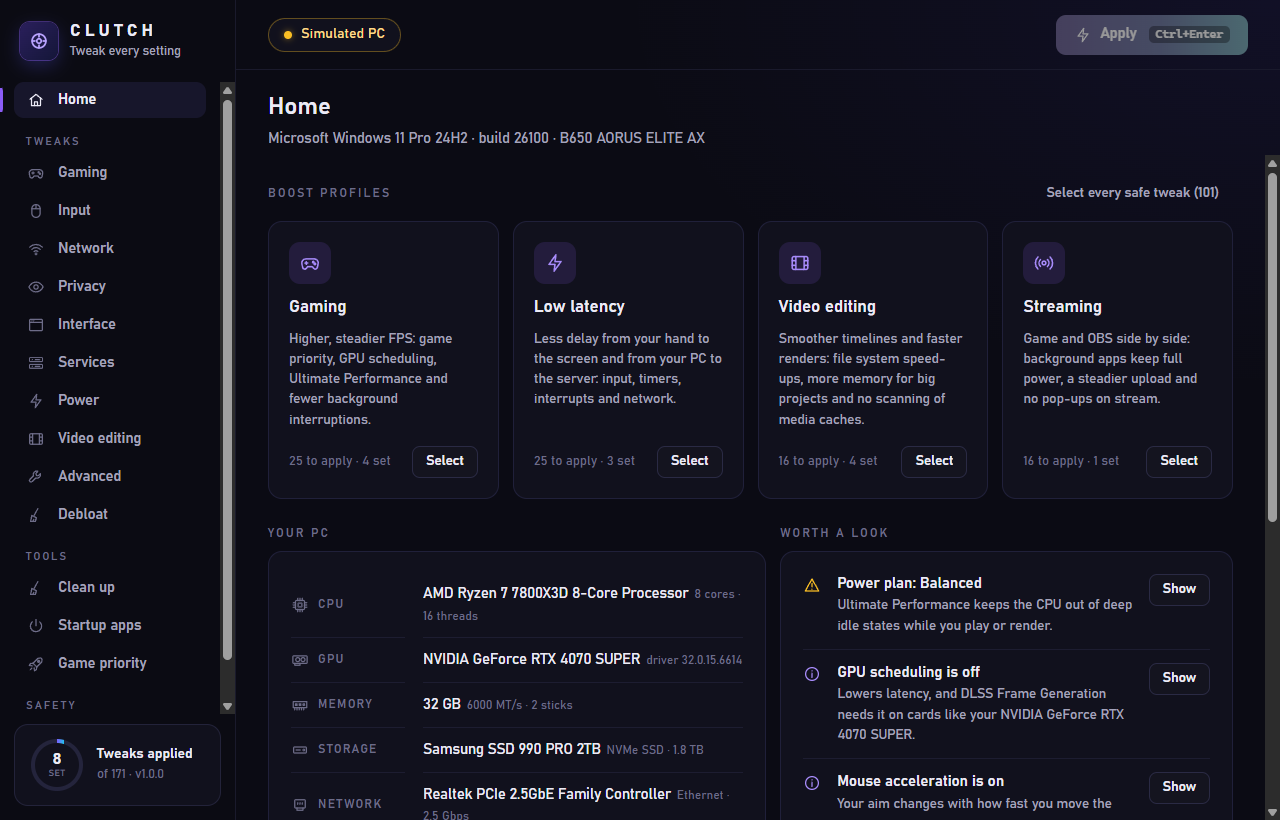
Clutch Tweaks tunes Windows for gaming, lower latency and video editing. It checks your PC first, explains every tweak, and backs everything up so one click puts it all back.
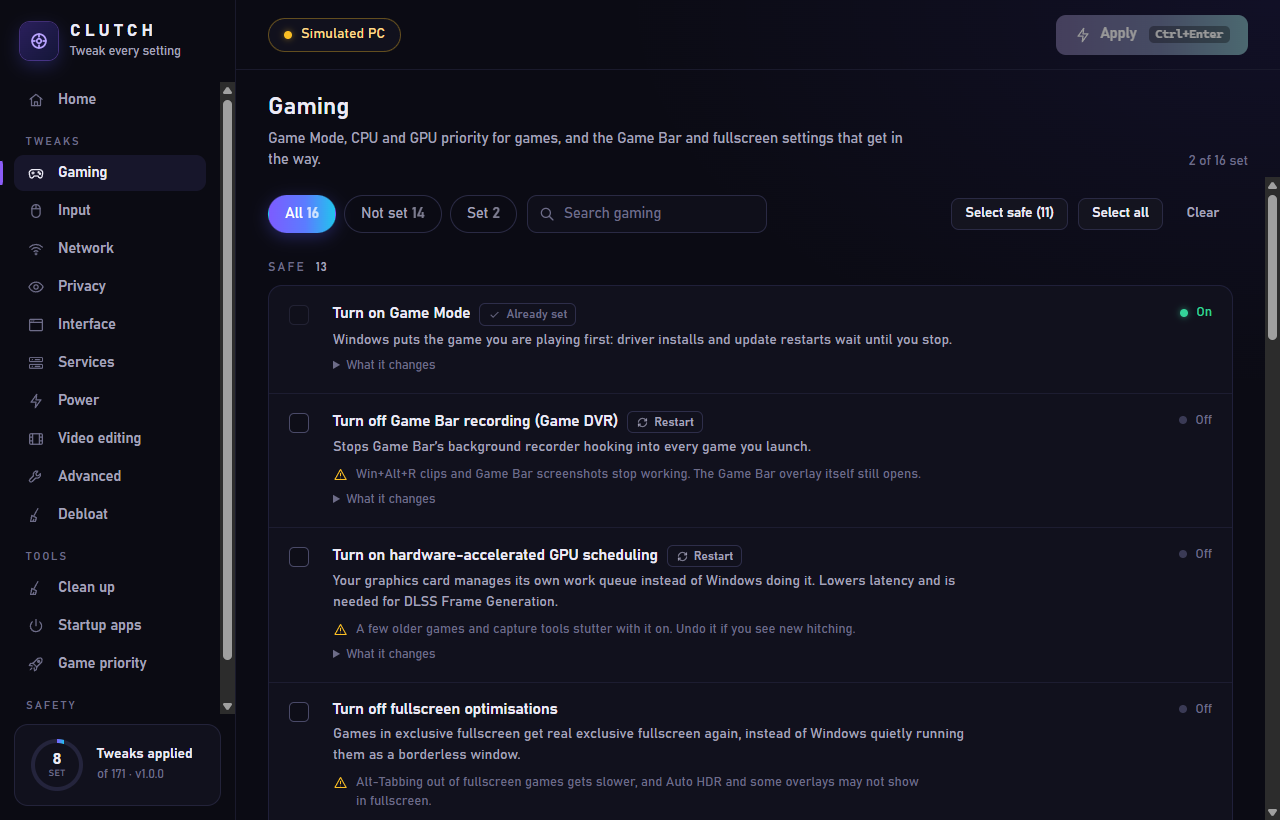
Every tweak says what it changes and what could go wrong, before you apply it.
Choose Gaming, Low latency, Video editing or Streaming on the Home page. It selects a set of tweaks for you to look over, then you press Apply.
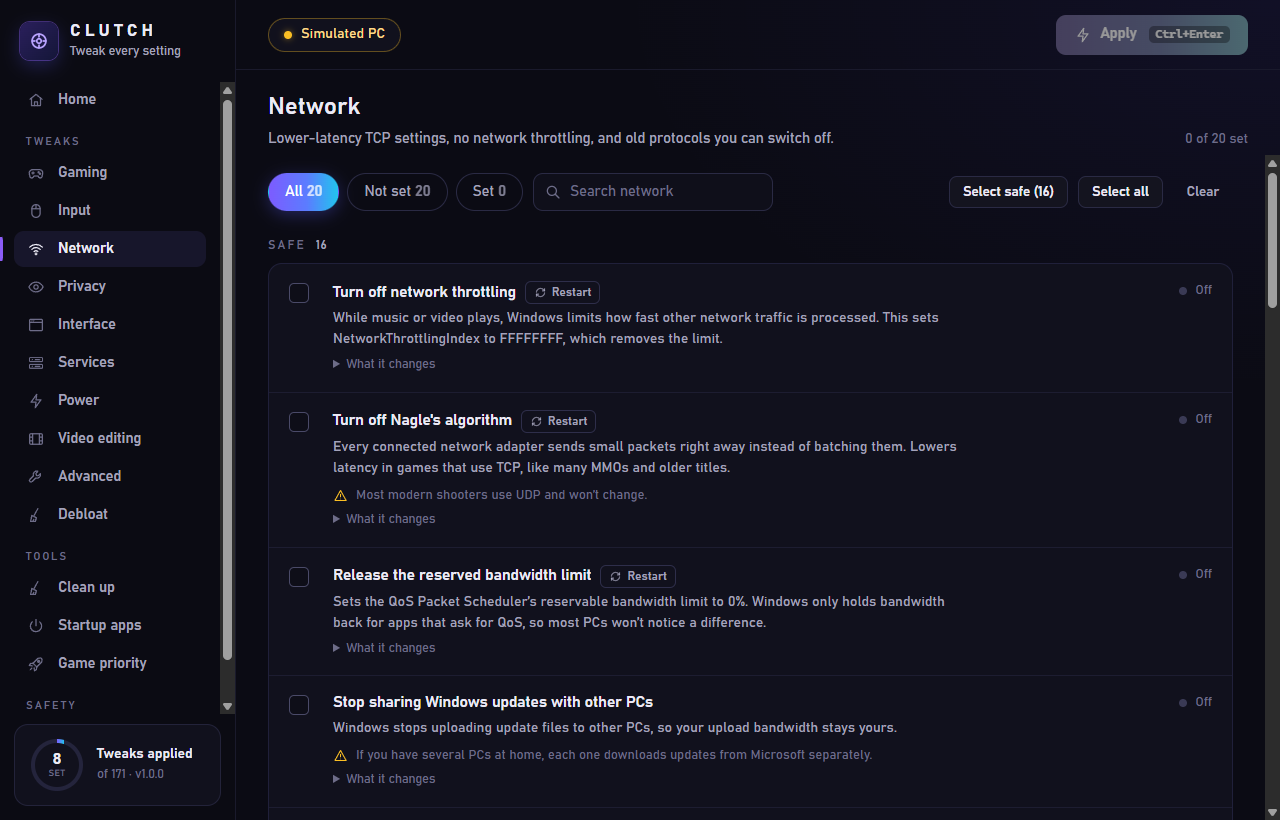
Gaming, Input, Network, Privacy, Interface, Services, Power, Video editing, Advanced and Debloat. Each tweak has a plain description, a warning if it needs one, and "What it changes".
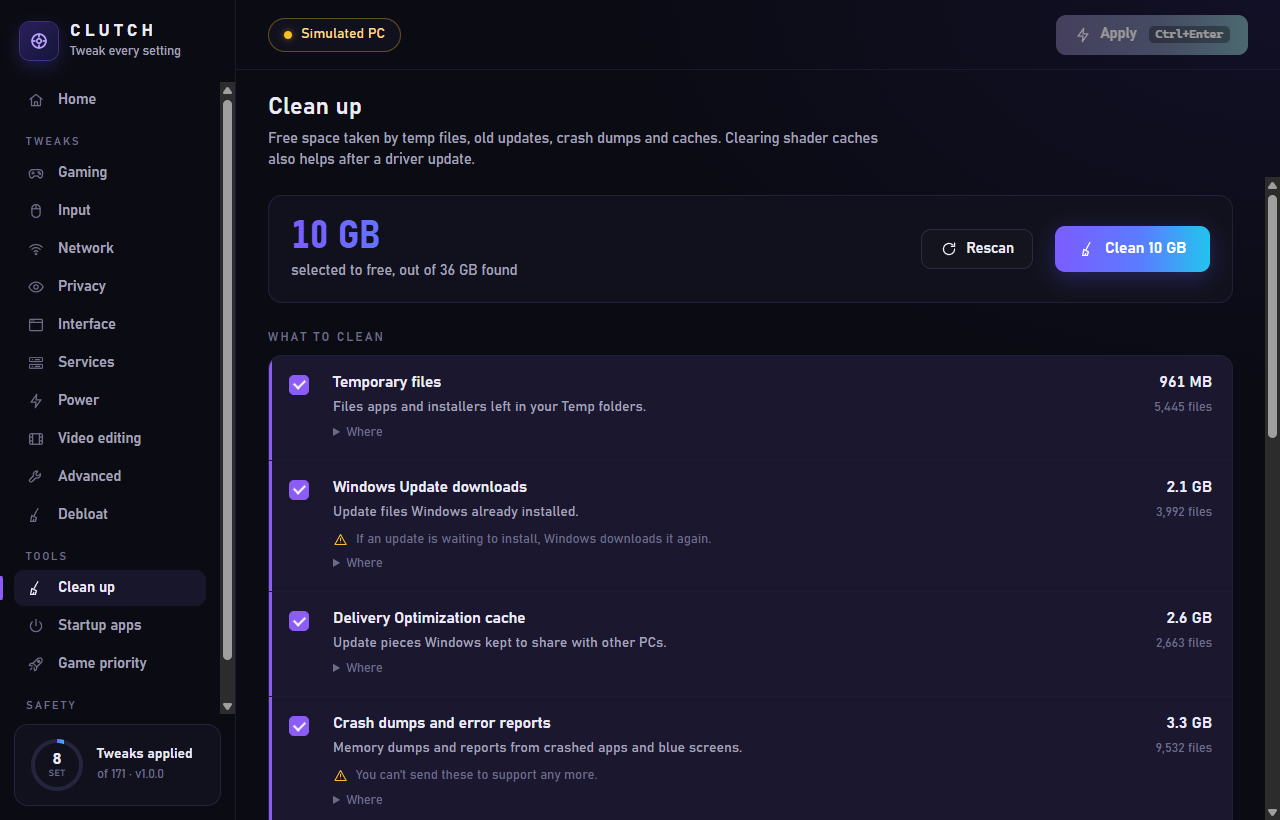
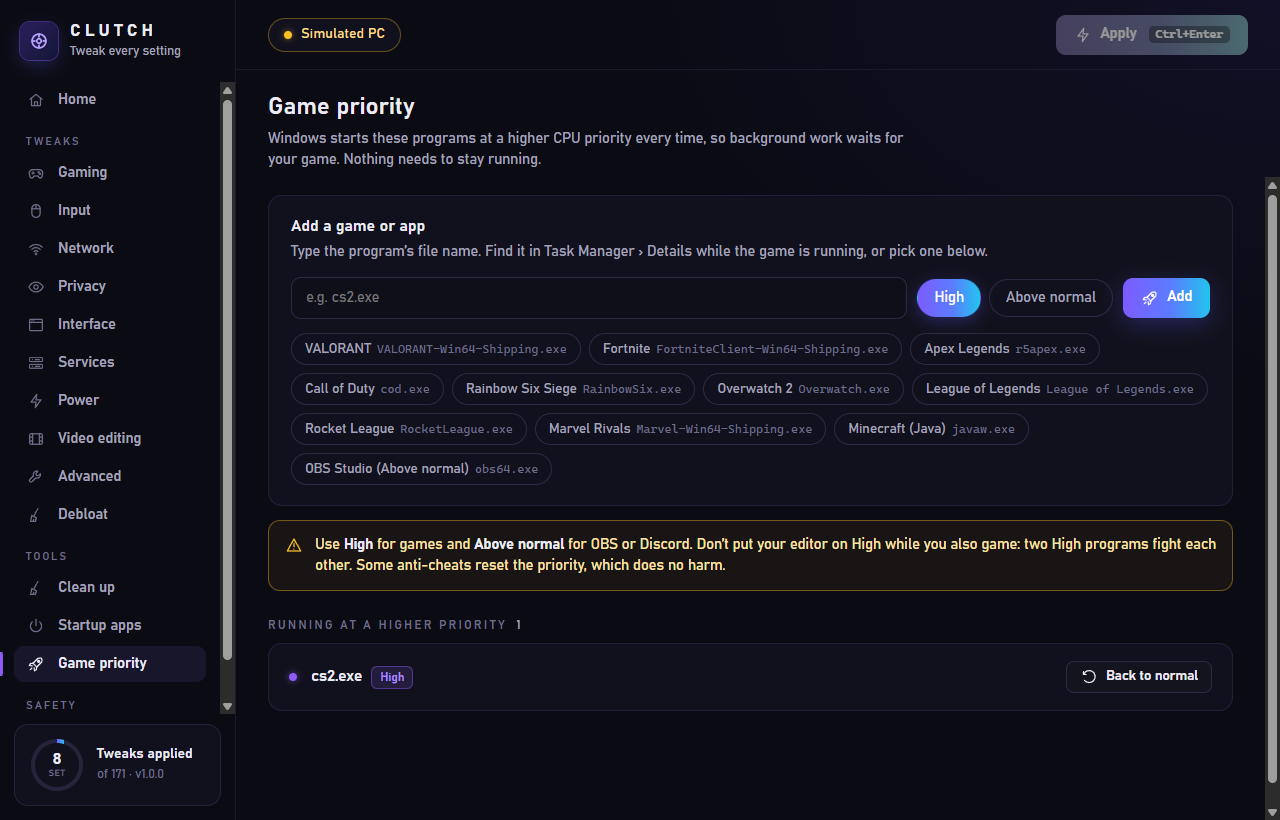
Clean up finds junk and deletes it: temp files, Windows Update leftovers, crash dumps, shader caches, launcher and browser caches, and the Recycle Bin. Game priority makes Windows start your games at High CPU priority every time.
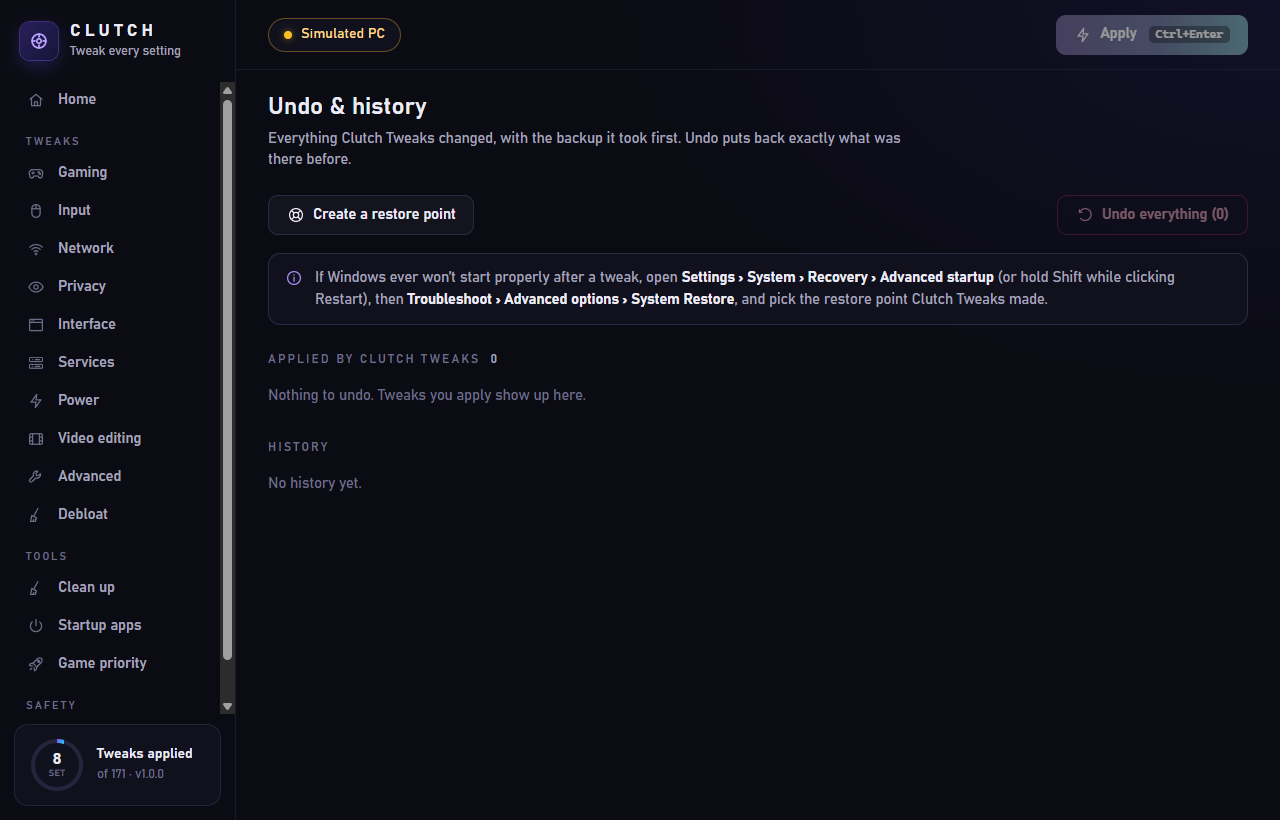
Before changing anything, each tweak reads the current value and saves it. Undo restores it exactly, one tweak or all of them.
Grab ClutchTweaks-Setup.exe. It's tiny (under 1 MB).
The installer downloads the rest (~80 MB) and adds a desktop shortcut.
Choose a boost profile, look over the tweaks, and press Apply. Undo is always one click away.
Every tweak is backed up before it's applied and can be undone. You can also make a restore point first. Caution and Risky tweaks list what could go wrong and ask before they're applied.
It removes things that commonly slow games down: background interruptions, power saving, timer and network throttling. How much it helps depends on your PC and what was already set.
Yes. No trial, no pro version, no account.
No. It never goes online. Your backups and history stay on your PC.
Free for Windows 10 & 11. Questions or bugs? Ask in the Discord.
Download Clutch Tweaks v1.0